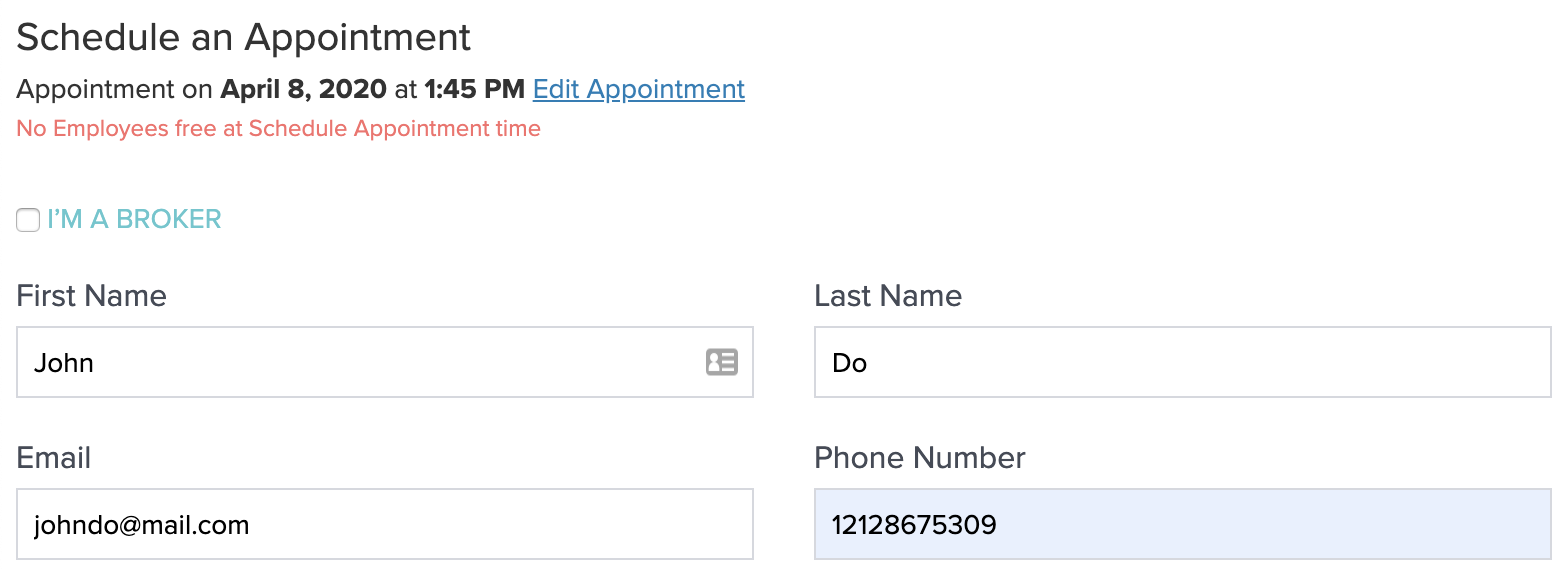
Appointment Booking
This endpoint is where you will POST the actual appointment information to the server to create an appointment and either create a new prospect or modify an existing one. The payload is separated into two parts: appointment data and prospect data (client). Please note that while many of these fields are optional, prospect data is much more useful the more you collect. Consider performing client-side validation and requiring at minimum the people fields (first name, last name, email, phone). In addition, the employee group decides which appointment tour types are enabled and which ones are not and what platform of choices are available. See employee group documentation for more information.
/api/v2/appointments/group/:group_id/bookRequest
Response
Success status is 200, not 201
This endpoint returns 200 OK on success, even though it creates a new appointment (and, if needed, a new prospect). It does not return 201 Created.
Third-party self-guided tour providers return an empty body
If appointment.tour_provider names a third-party self-guided-tour provider, Funnel creates the
prospect and records consent, but responds 200 with an empty JSON body ({}) —
no appointment is created on Funnel's side, and data.appointment is not returned. The tour itself is
booked directly with the third-party provider, outside this API.
Errors common to all appointment endpoints
This endpoint can also return the Employee Group Not Found (404) and Employee Group Not Active (400) errors, checked before any endpoint-specific validation runs. See Errors common to all appointment endpoints.
Timeslot No Longer Available (400)
If an appointment time is no longer available, a 400 error response will be returned.
Missing Required Fields (400)
If any required fields are missing in the request, a 400 error response will be returned.
Invalid Data Types (400)
If invalid data types are passed in the request (e.g., is_video_tour set to 'no' instead of boolean, or tour_type set to 'invalid type'), a 400 error response will be returned.
Invalid Prospect Field Values (400)
If any of the prospect fields fail validation (e.g., pets or laundry passed as strings instead of integers), a 400 error response will be returned.
Missing Phone or Email for Person (400)
If a person associated with the appointment does not have a phone number or email, a 400 error response will be returned. Each person must have at least one contact method.
Invalid Person Data Type (400)
If the data type provided for a person is invalid (e.g., email passed as a number), a 400 error response will be returned.
Lead Source Required (400)
If your employee group is configured to require client.lead_source and it's omitted, a 400 error response will be returned.
Broker Email Required (400)
If appointment.broker_booked is true and client.broker_email is missing, a 400 error response will be returned.
Example Appointment Booking Flow
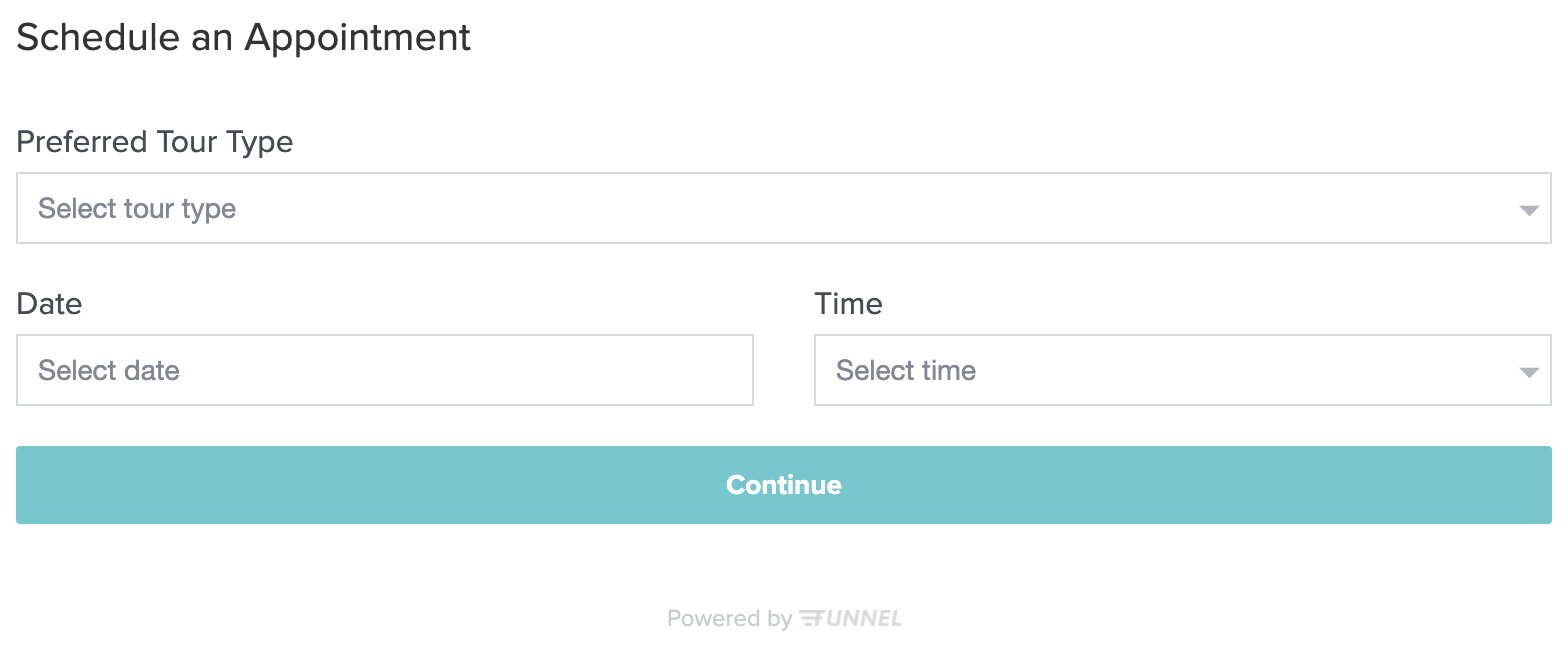
Screen 1: User selects a preferred tour type, available date, and time
In order for the user to select a preferred tour type, you'll first need to retrieve the available tour types. Keep in mind there are a few conditions that determine when what tour type is available. See our end-point for available tour types for more info.
/api/v2/group/123- Available tour types/api/v2/appointments/group/123/available-times/?from_date=2019-06-18- Available Appointment Times
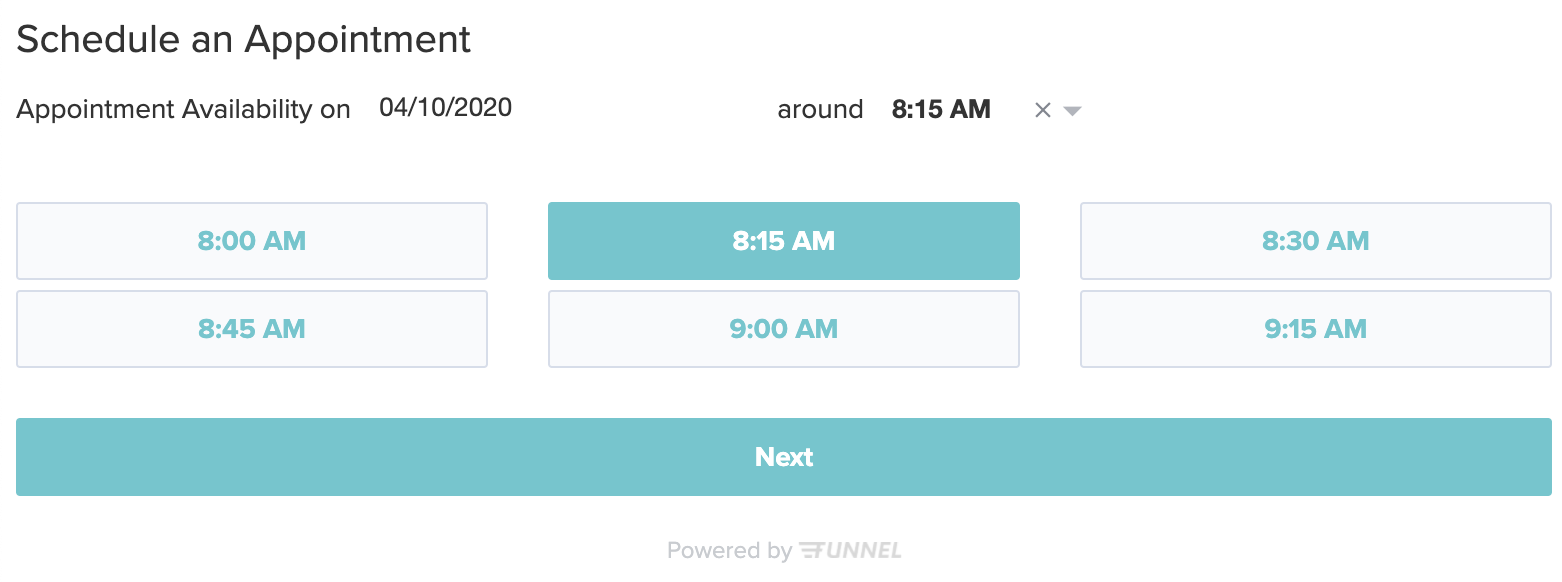
Screen 2: Appointment Form
After user chooses a specific timeslot, the form is assembled using the configuration.
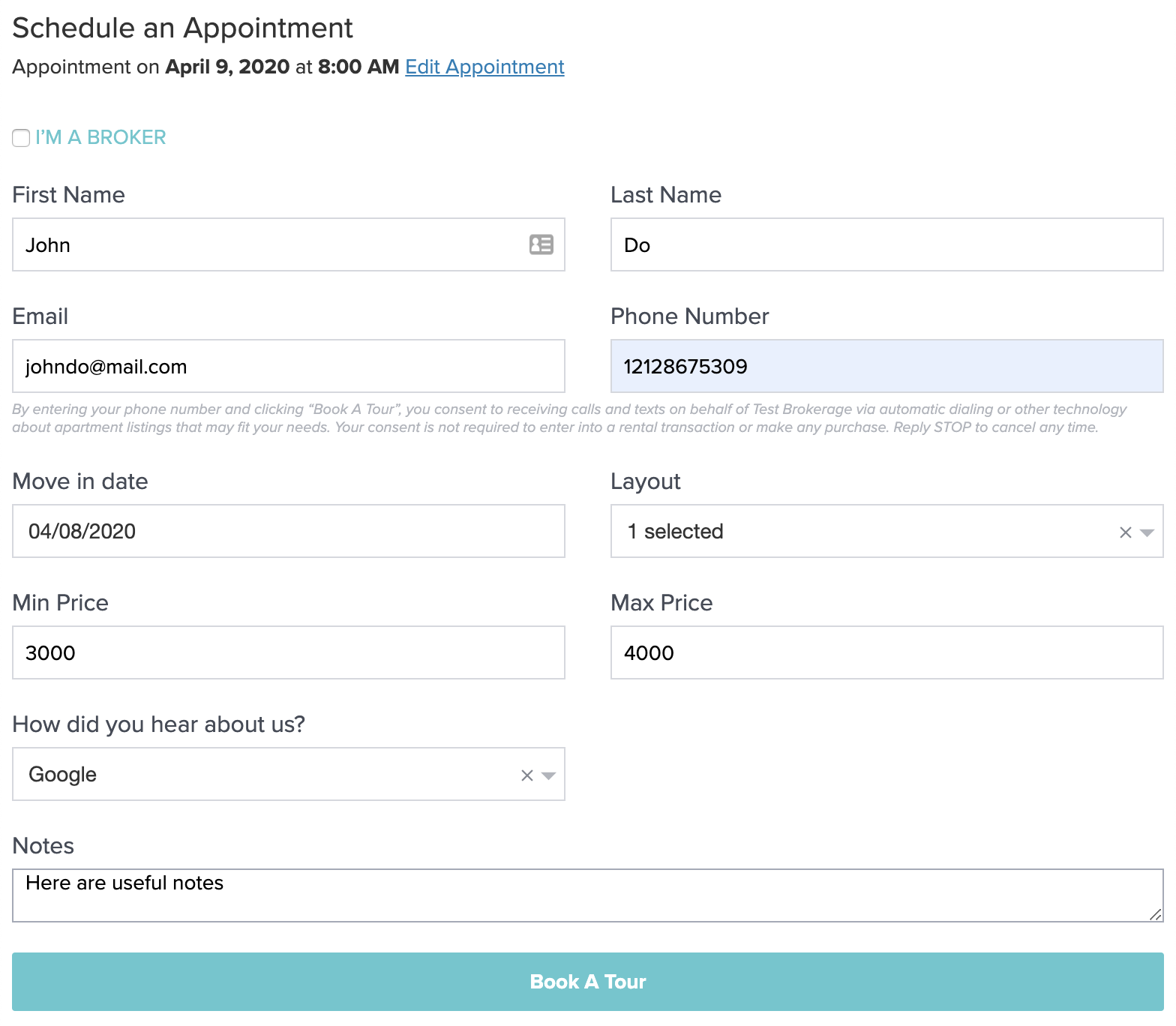
Screen 3 Success: Optional Confirmation Screen
User fills out the form and submits.
/api/v2/appointments/group/123/book/- Appointment Booking
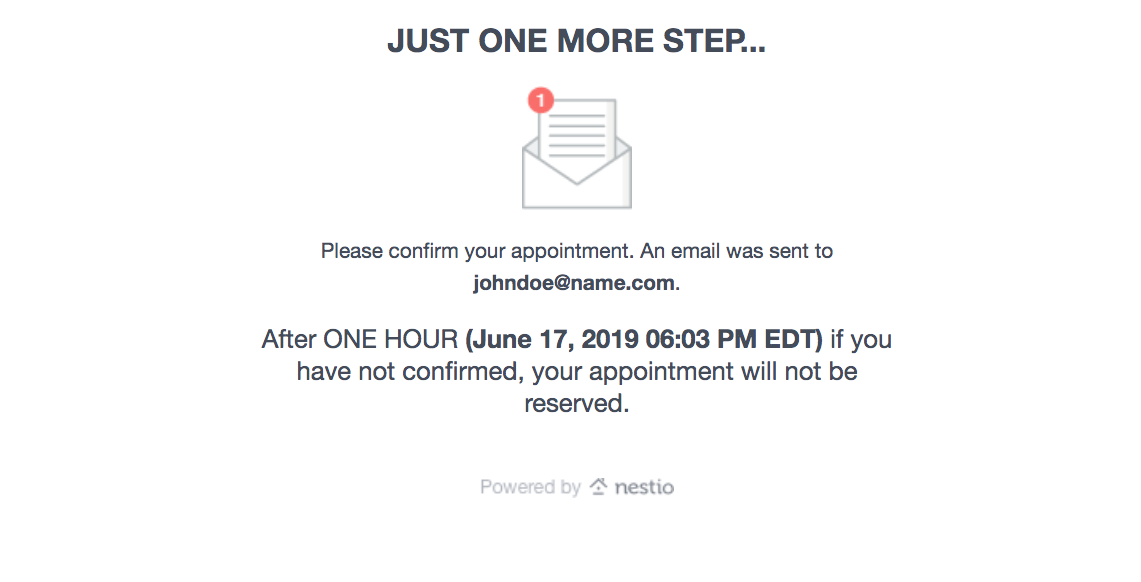
After booking is confirmed, a 200 response is returned. Since this group in particular has appointment confirmations turned on, show the confirmation screen.
Screen 3 Error: Timeslot Not Available
It is possible that in the time between when the user selects an available time and they complete the booking form, the time they selected has gotten booked. Please account for this error, and give them the ability to select a new time.
/api/v2/appointments/group/123/book/- Appointment Booking